
New · Web app
The Topo Maps+ web app is here.
Plan a trip in your browser, save live, and find it waiting on every device you own. The single most-requested feature in Topo Maps+ history — and it’s already yours.
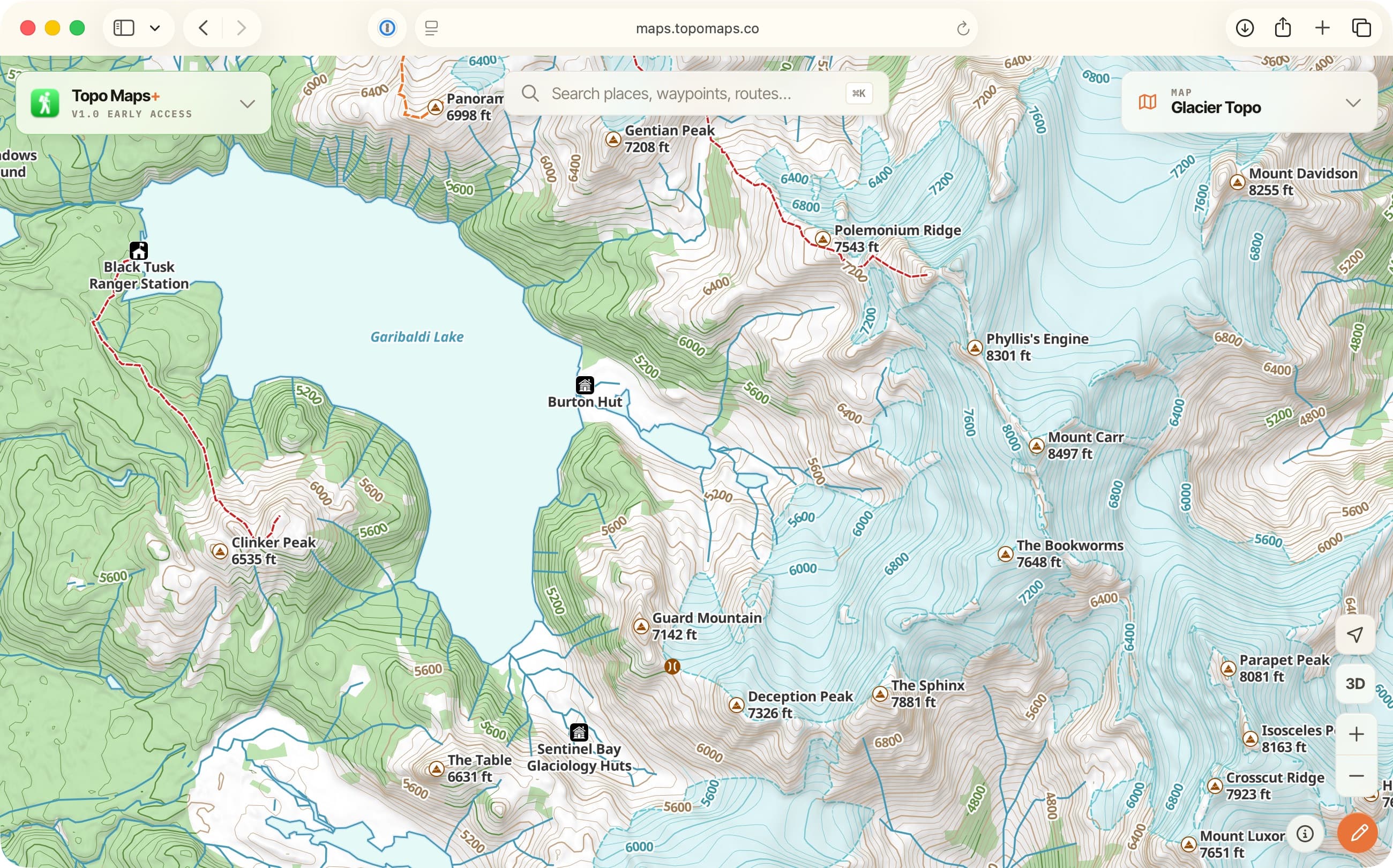
What it is
A real place to work — not a map in a browser window.
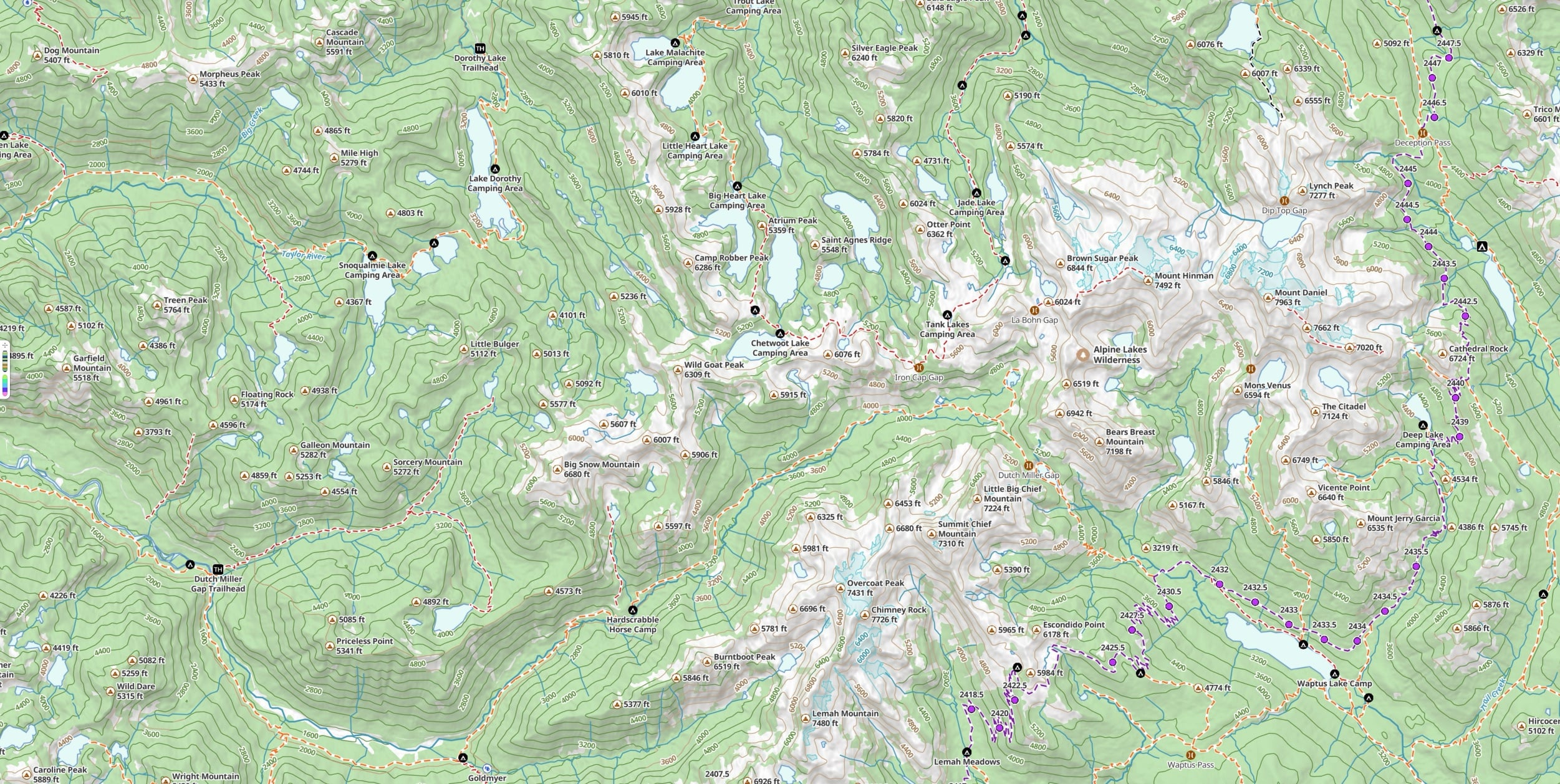
The web app is the planning surface Topo Maps+ has needed for years. Open maps.topomaps.co in any browser and you get the full outdoor map and a real interface for sketching routes, dropping waypoints, organizing trips, and exploring an idea — all in the same data world as your phone, your watch, and your Mac. It’s the surface I do most of my planning on now. — Stephen
“Topo seamlessly syncs data between my iPhone, watch, and iPad.”— App Store review
Saves live
Plan it in your browser. It’s already on your phone.
Everything you create in the web app is saved to your Topo Maps+ account automatically, the moment you make it. Open the iOS or Android app the next time, and the route, the waypoints, the folders you organized — it’s all just there. No export, no GPX shuffle, no remembering to sync. The web app is on the same data as everywhere else; that’s the whole point.
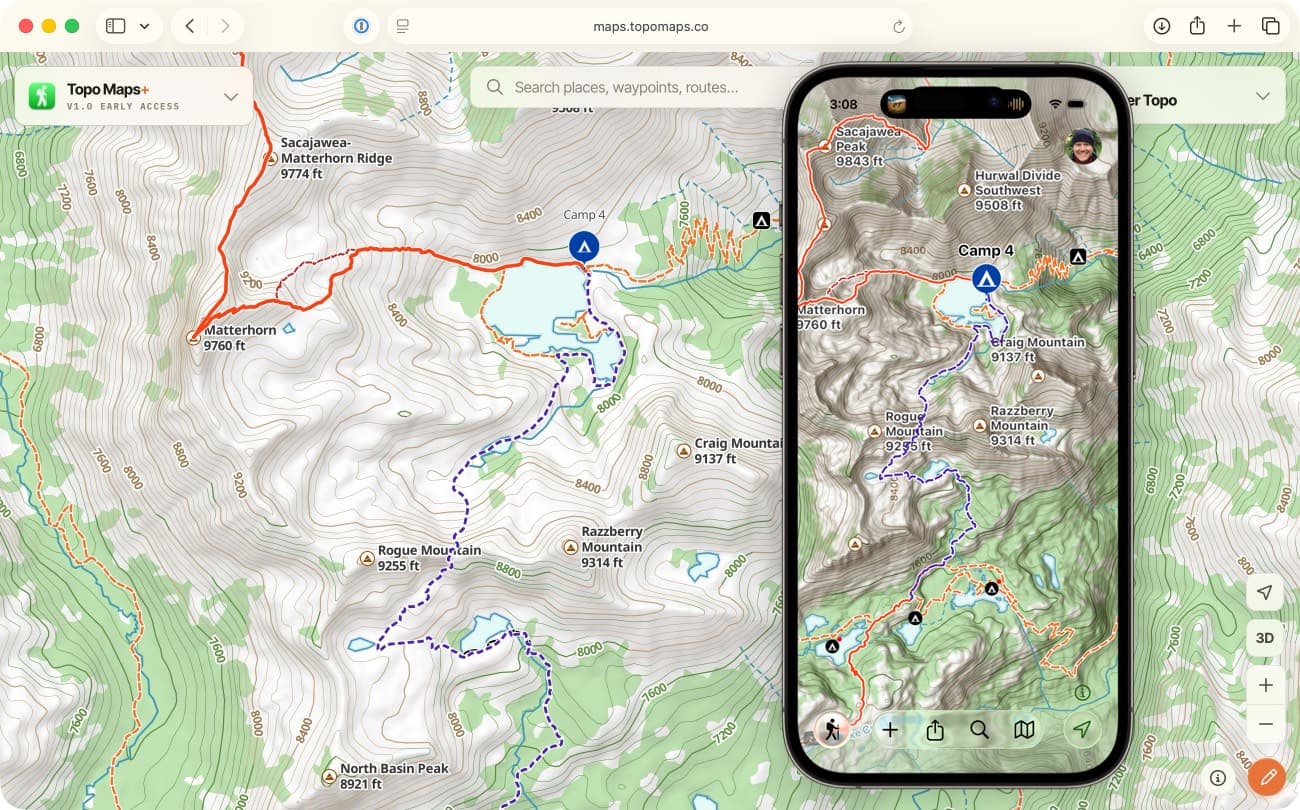
Already yours
Log in with your existing account. Everything’s there.
If you already have Topo Maps+, just sign in to maps.topomaps.co with your Topo Maps+ account and everything you’ve built is right there — your routes, your waypoints, your folders, your photos. Your subscription comes with you too: however you subscribed — iPhone, Android, or our website — it works on the web automatically. Nothing new to buy. Free users see all their synced data; Pro and Elite users get the full set of features they already have on their phone.
Sign-in options: email and password, and Sign in with Apple.
What’s in it
A whole planning toolkit, rethought for the big screen.
There’s a lot in here. Over the coming weeks we’ll do dedicated walkthroughs of the best parts — for now, here’s the lay of the land.
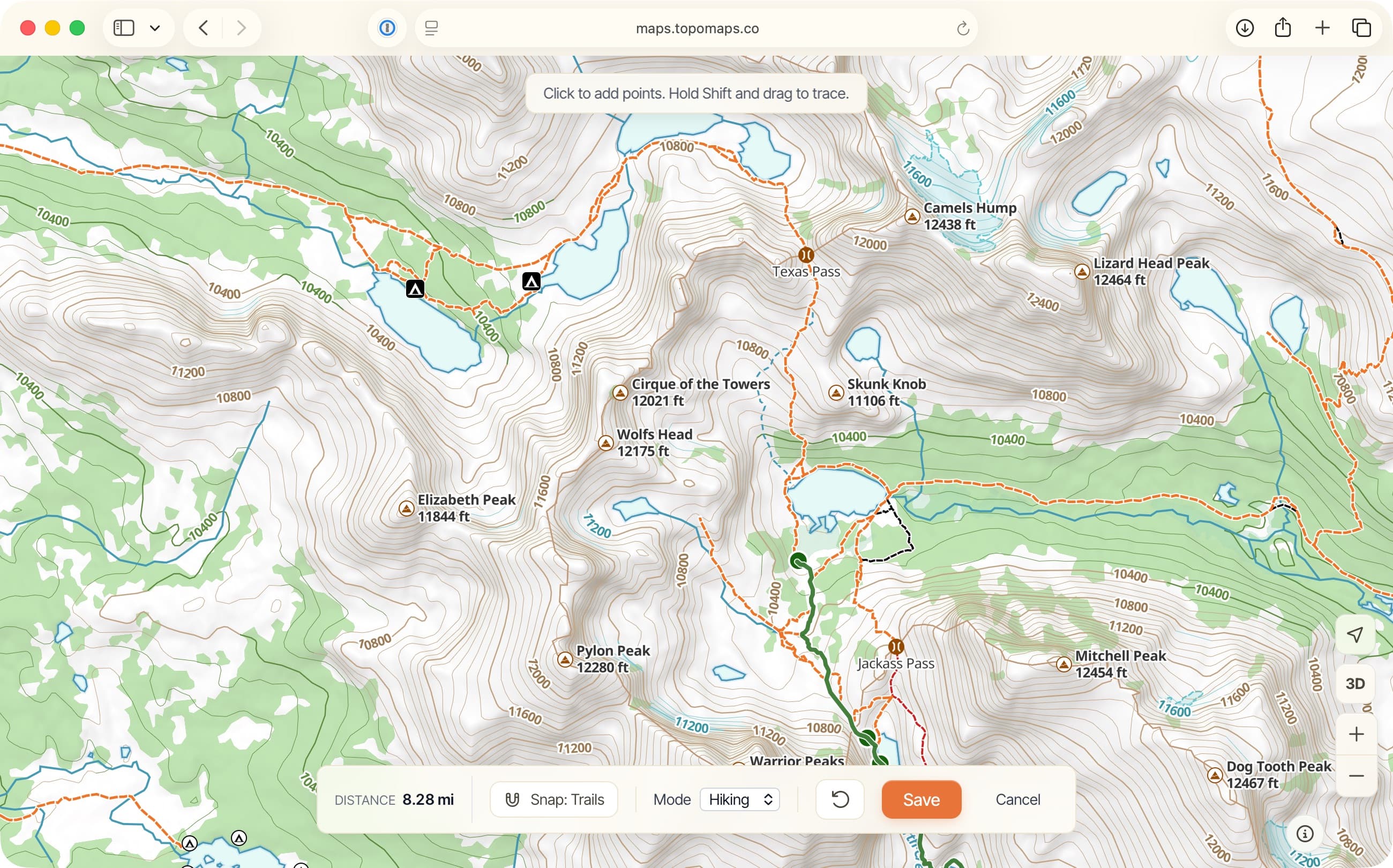
Creating routes
Completely rethought from the ground up. The fastest route-creation in any version of Topo Maps+.
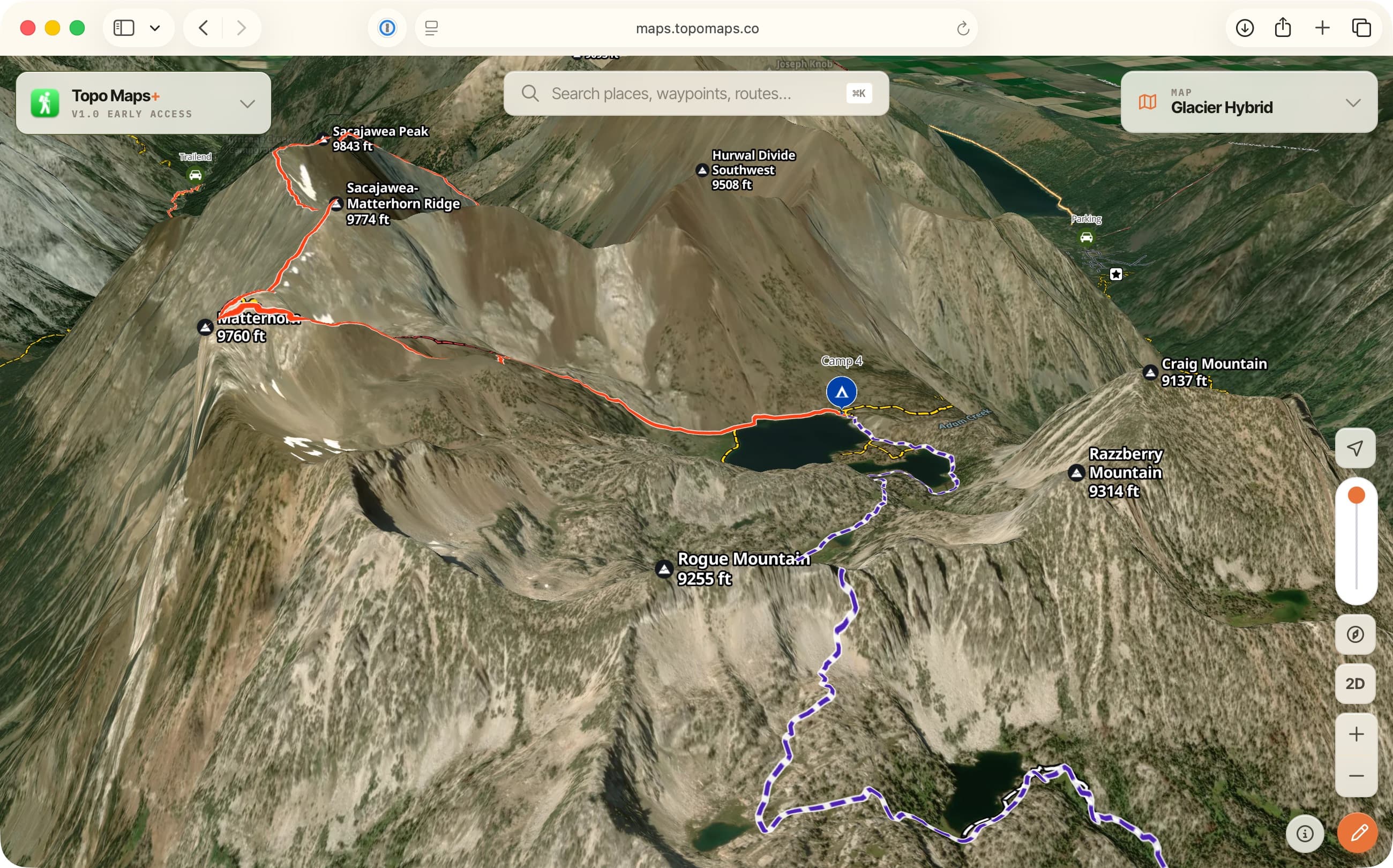
Planning a trip
Multi-day routes, alternate campsites, elevation profile, terrain you can read in 3D before you go.
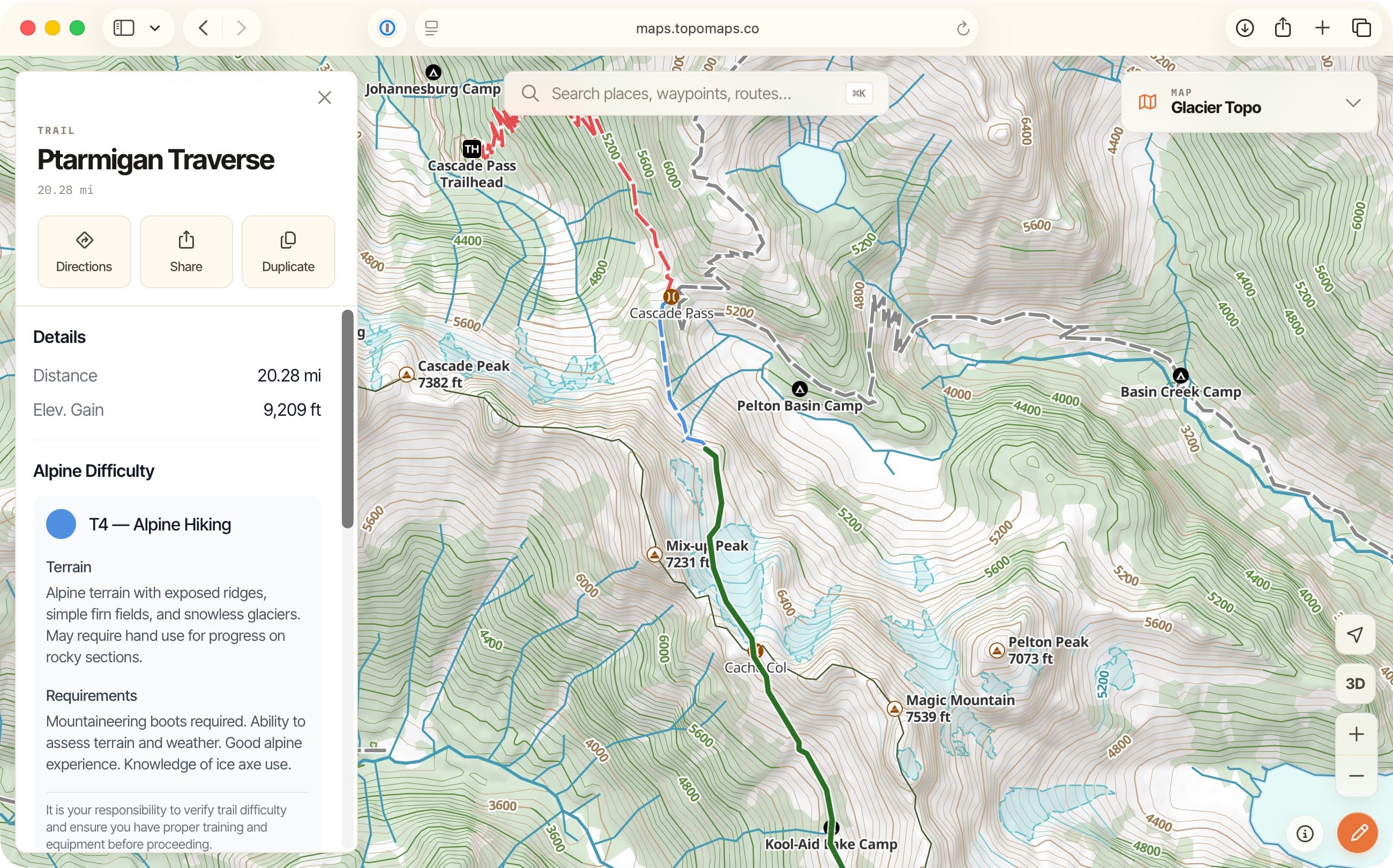
Trail data on click
Click any trail and its details open inline — and what you see follows the map style you’re in. The Mountain Biking style shows MTB difficulty; Alpine Hiking shows the Alpine (SAC) scale; labels like horse-allowed appear where they apply.
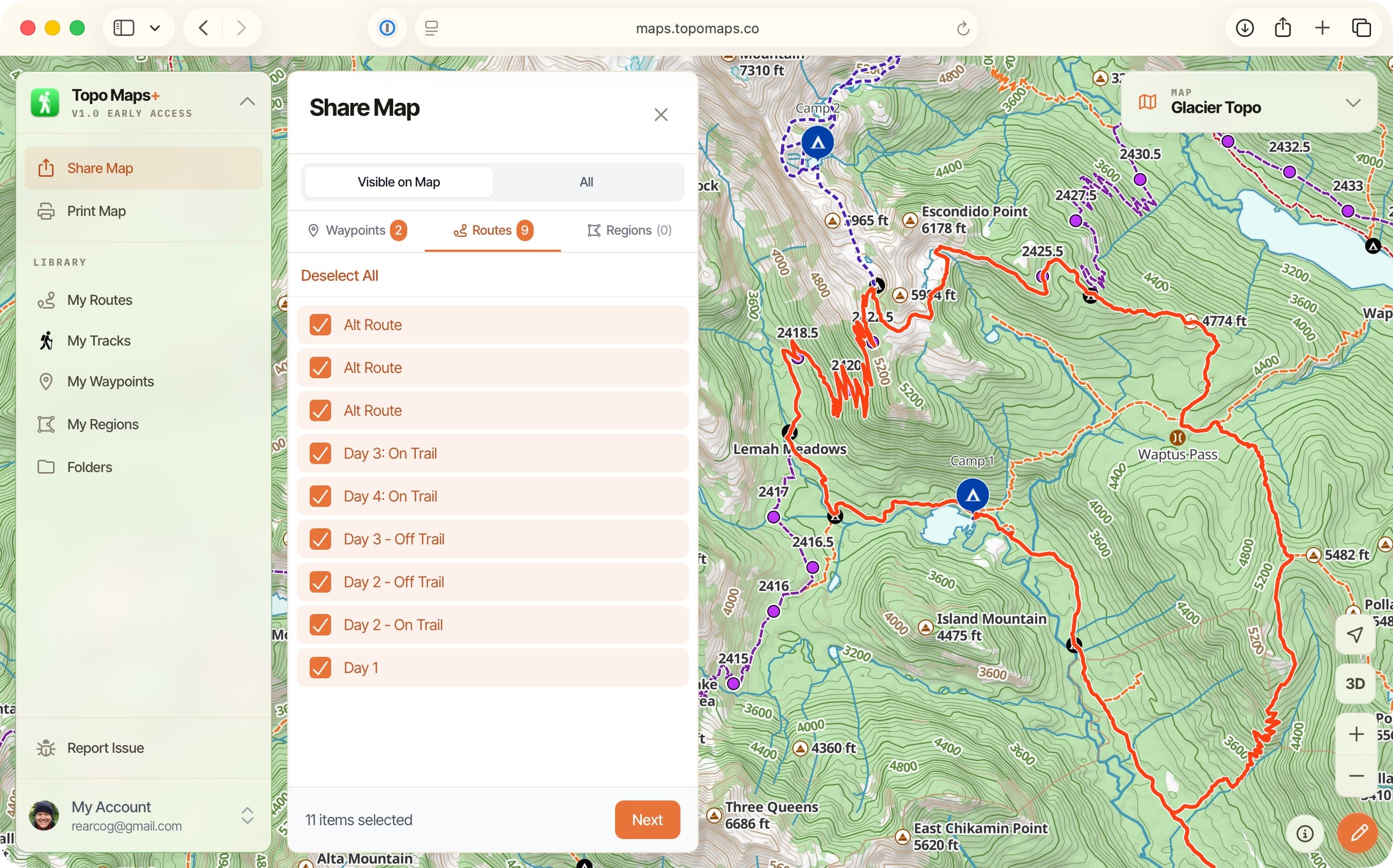
Sharing
Copy a URL to share a route, a trail, or a point of interest with anyone — including people who don’t have the app. Recipients get an interactive web map, not a screenshot.
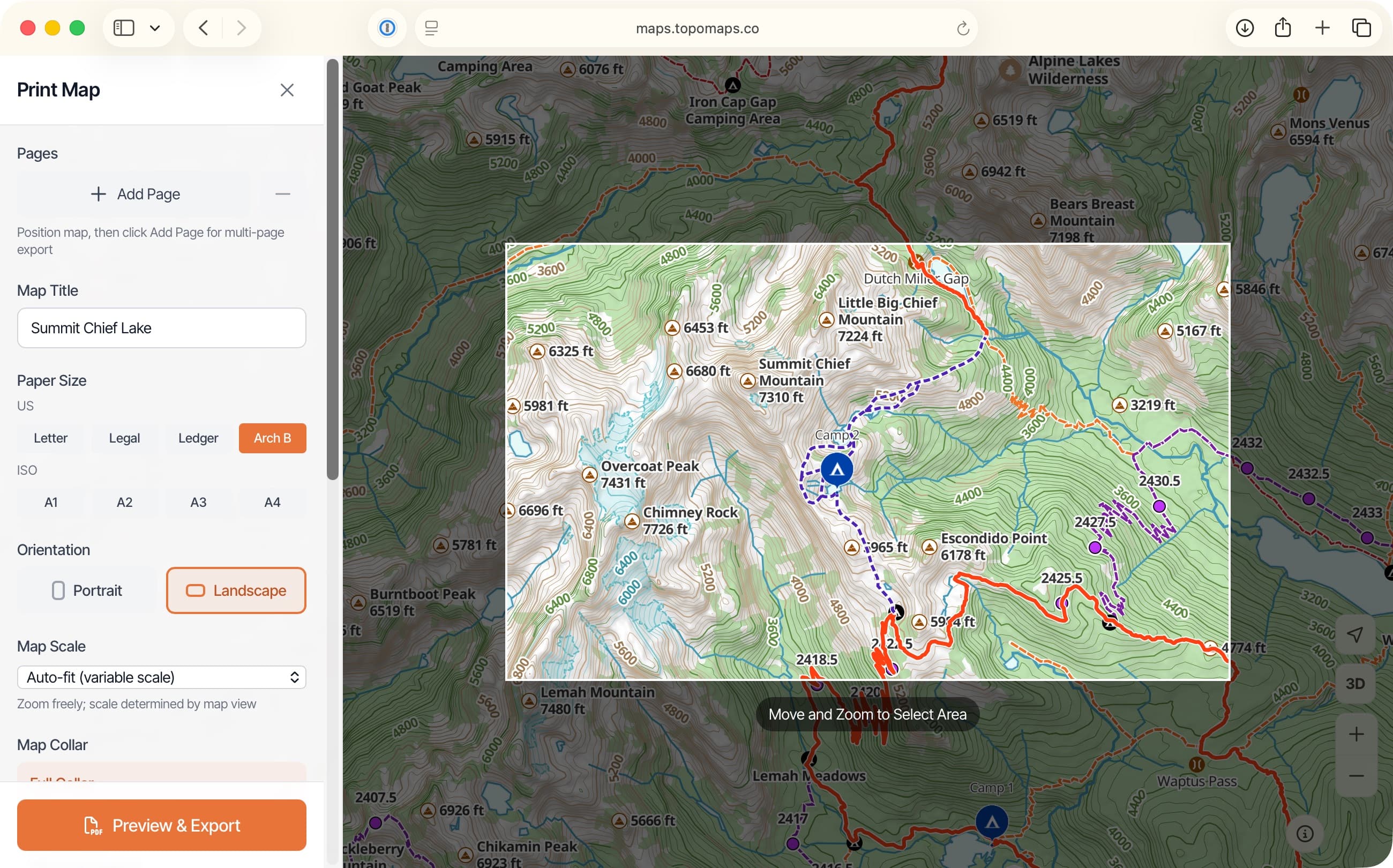
Printing
Print high-quality paper maps with your routes and waypoints from the browser, the same as you can from the phone.
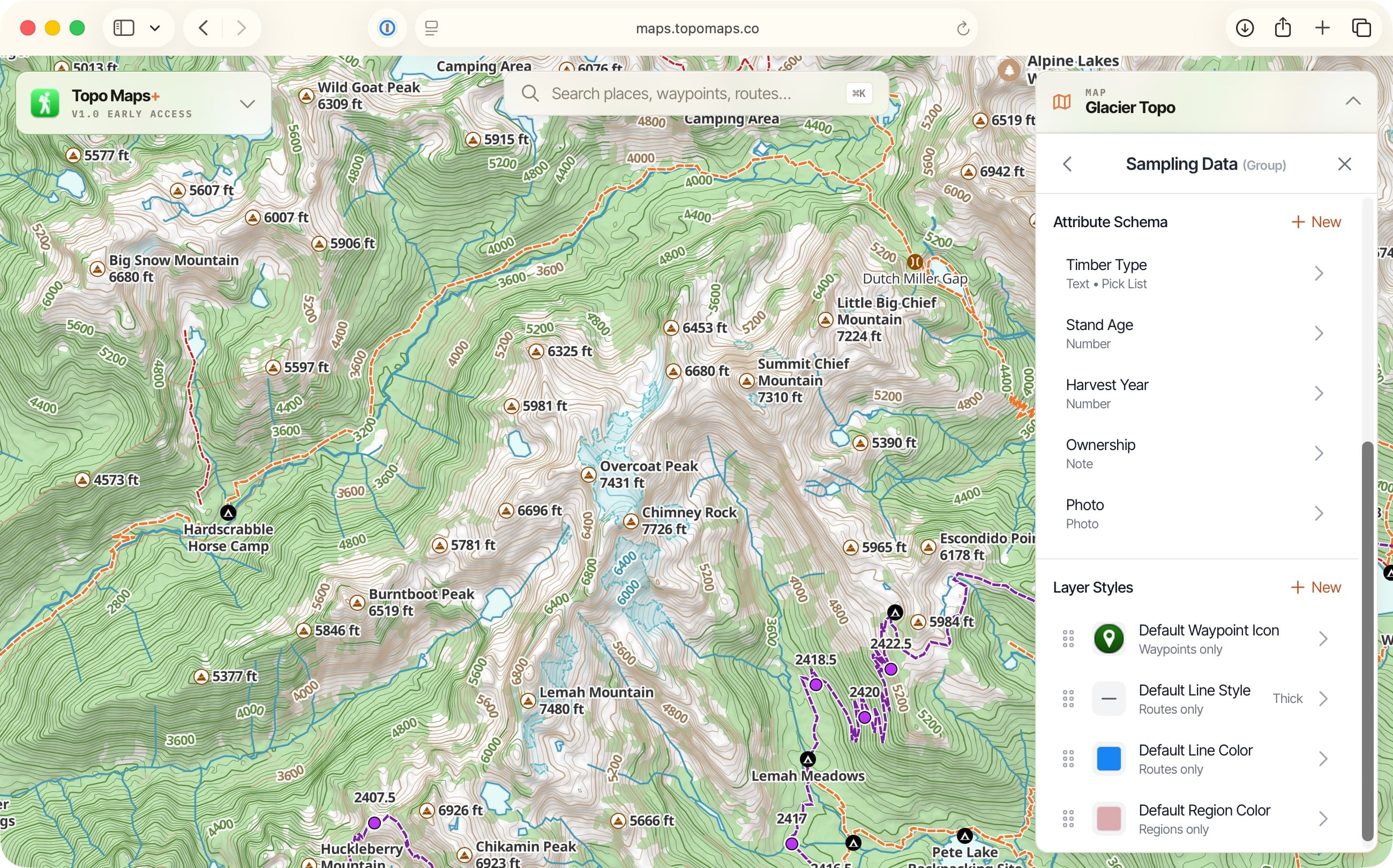
Data layersElite
Build custom data overlays with your own attributes and styles, on the web. The pro/government feature, easier than anywhere else to set up.
Plus Teams — bring in your crew, share routes and waypoints, and start working together. Free to create. Read about Teams →
Every screen you own
Plan on the big screen. Carry it everywhere else.
Topo Maps+ already runs on iPhone, Android, iPad, Mac, Apple Watch, CarPlay, and Apple Vision Pro. The web app makes that family complete — and gives the team you’re hiking with a way to use your route even if they’re on a Chromebook or a work laptop, with nothing to install. More on the platforms →
Try it now
It’s the fastest way to plan your next trip.
Free to use. Sign in with your existing Topo Maps+ account, or start a free 7-day trial.