
What’s new · v10
Topo Maps+ v10.
Our first vector basemap. Ten activity-tuned map styles. Vector-sharp print at any zoom. The biggest release we’ve shipped in years.

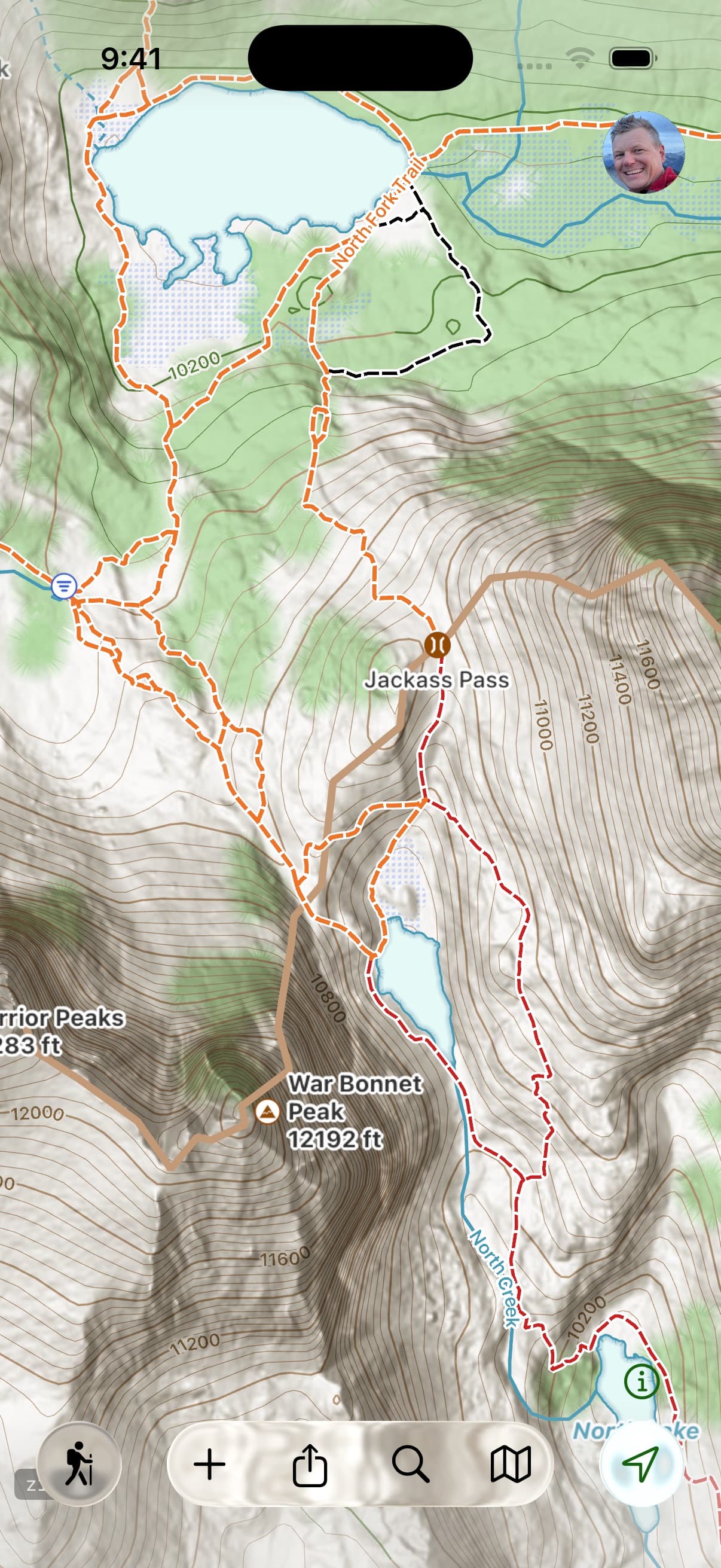
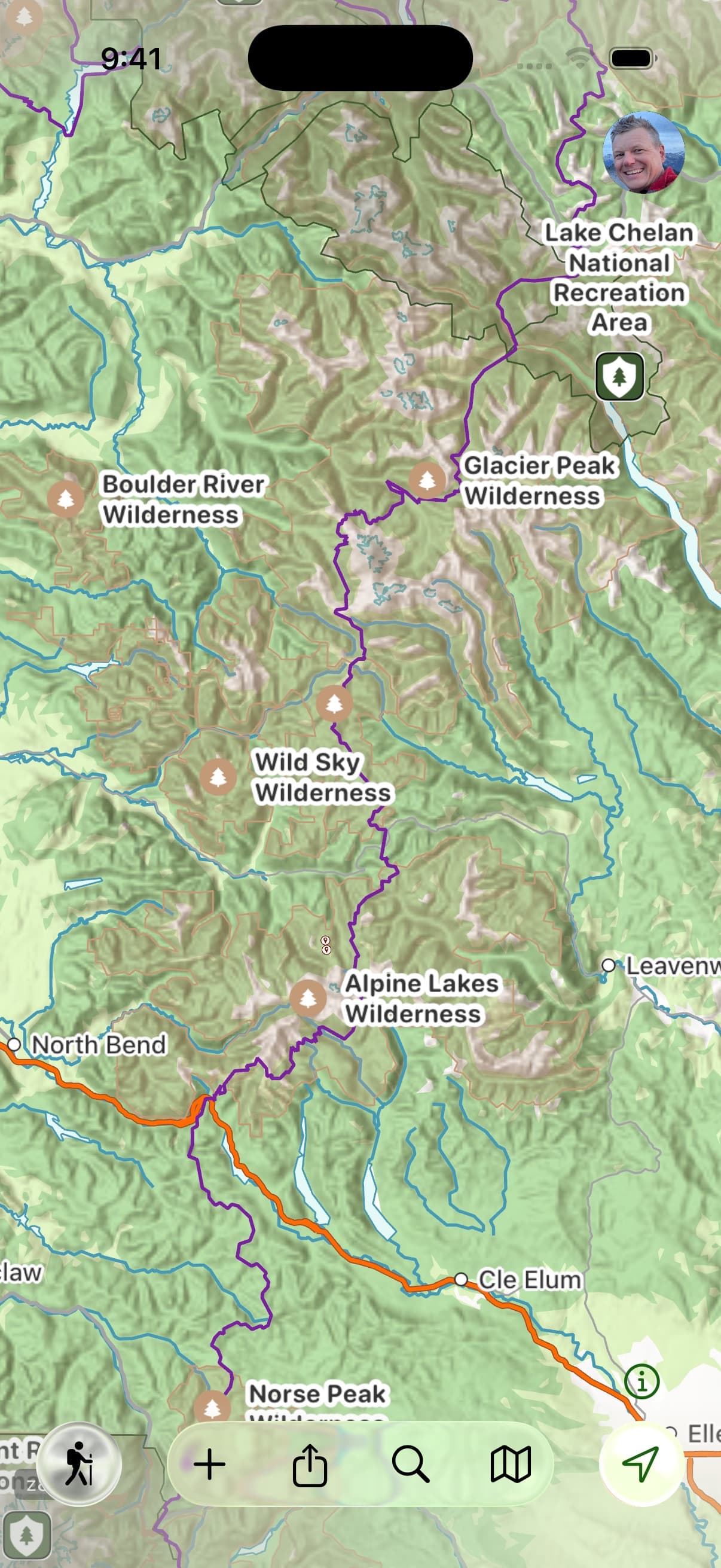
Glacier Topo
The map that stays sharp when the signal doesn’t.
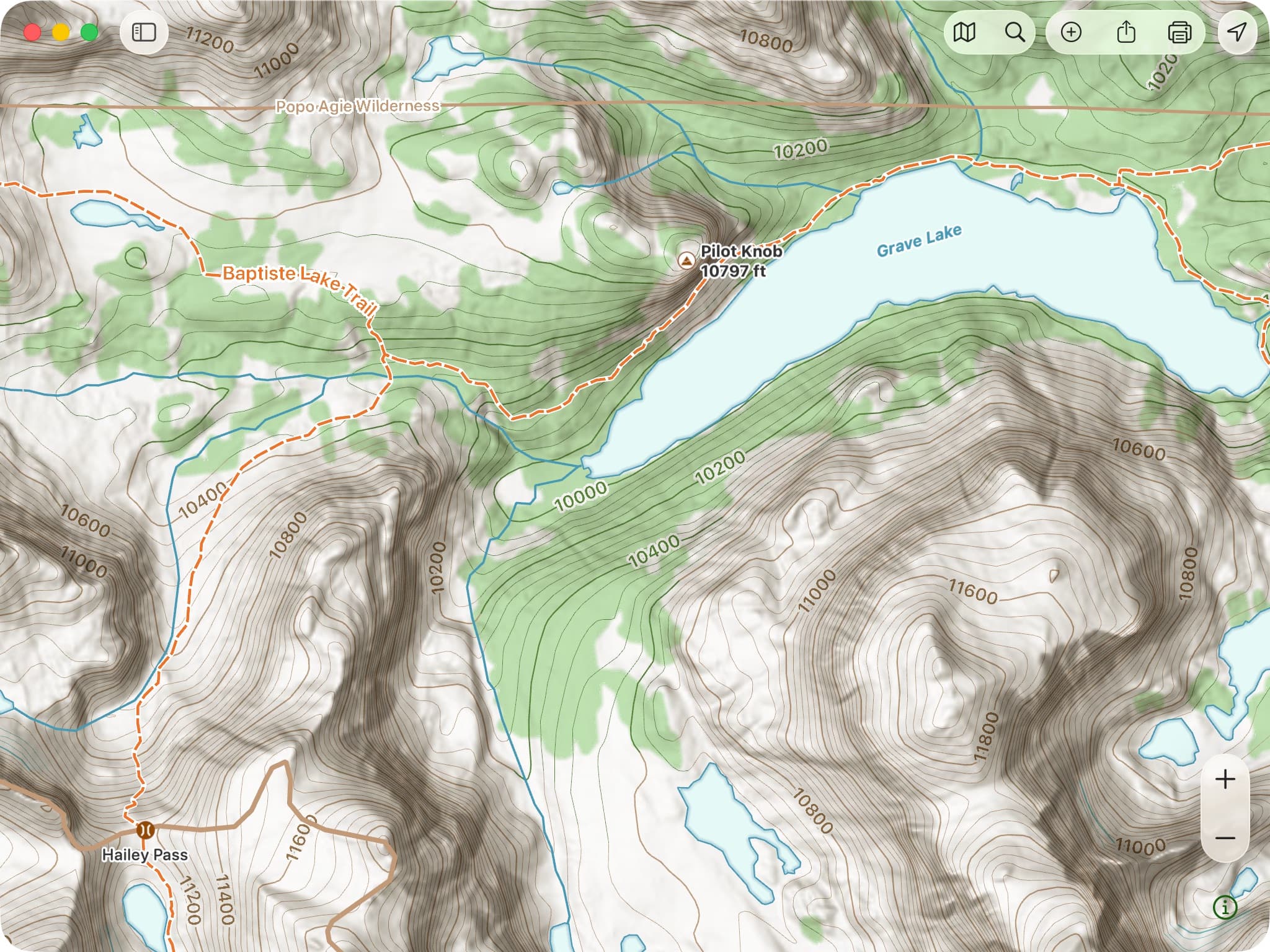
Glacier Topo is Topo Maps+’s first-ever vector basemap. It’s built to surface the things you’re actually navigating by — trails, trailheads, campgrounds, and points of interest — and because it’s vector, it stays razor-sharp at every zoom instead of going blurry when you pinch in. It reads clean in flat midday light and switches to dark mode on its own when the sun drops. And like everything in Topo Maps+, it’s fully offline: download it before you leave and it’s there when there’s no signal for miles.
“The ability to see where you are even when you have no service at all is PRICELESS.”— App Store review
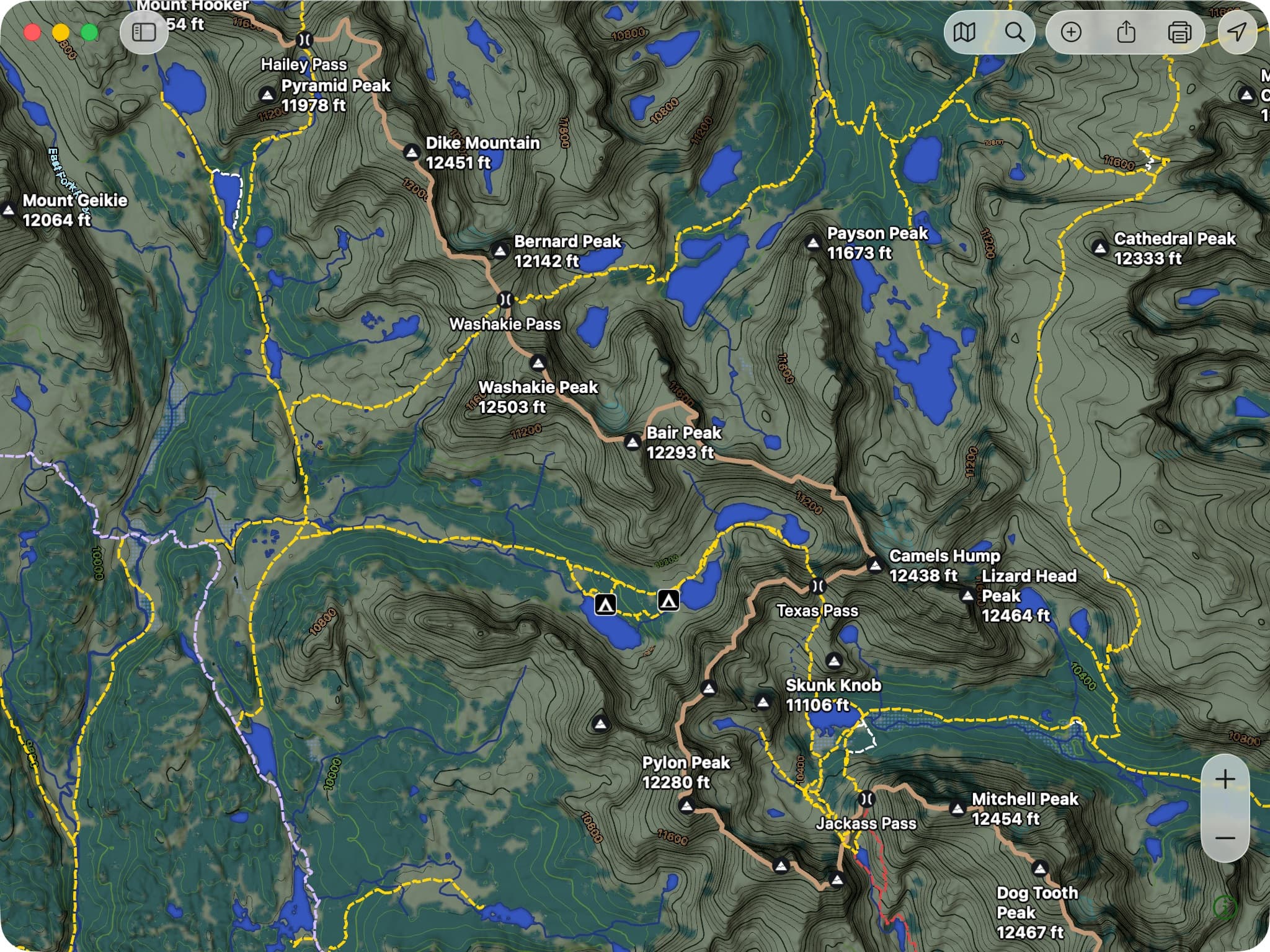
Three things to try first
- Tap anything — a trail, a peak, a point of interest — to pull up its details.
- Print it at any zoom and it renders crisp, no pixelation.
- Prefer imagery? Switch to Glacier Hybrid — the same trail and outdoor detail layered over satellite. Useful for visualizing terrain and for 3D.
A note from Stephen
Built the way I’d want to use it.
I wouldn’t let us ship Glacier Topo until I’d switched to using it exclusively myself. That set a high standard for everything — which features the map needs to surface, the zoom levels where each detail appears, how it reads in different light. A lot of it comes down to small things most people will never consciously notice. I felt strongly, for instance, that contour lines should read green where they cross forest — a detail that, on its own, added a month to the project. The payoff, for me, is how much less I’m fighting the map now: the detail I want is just there, at whatever zoom I’m at.
Activity styles
The right map for what you’re doing.
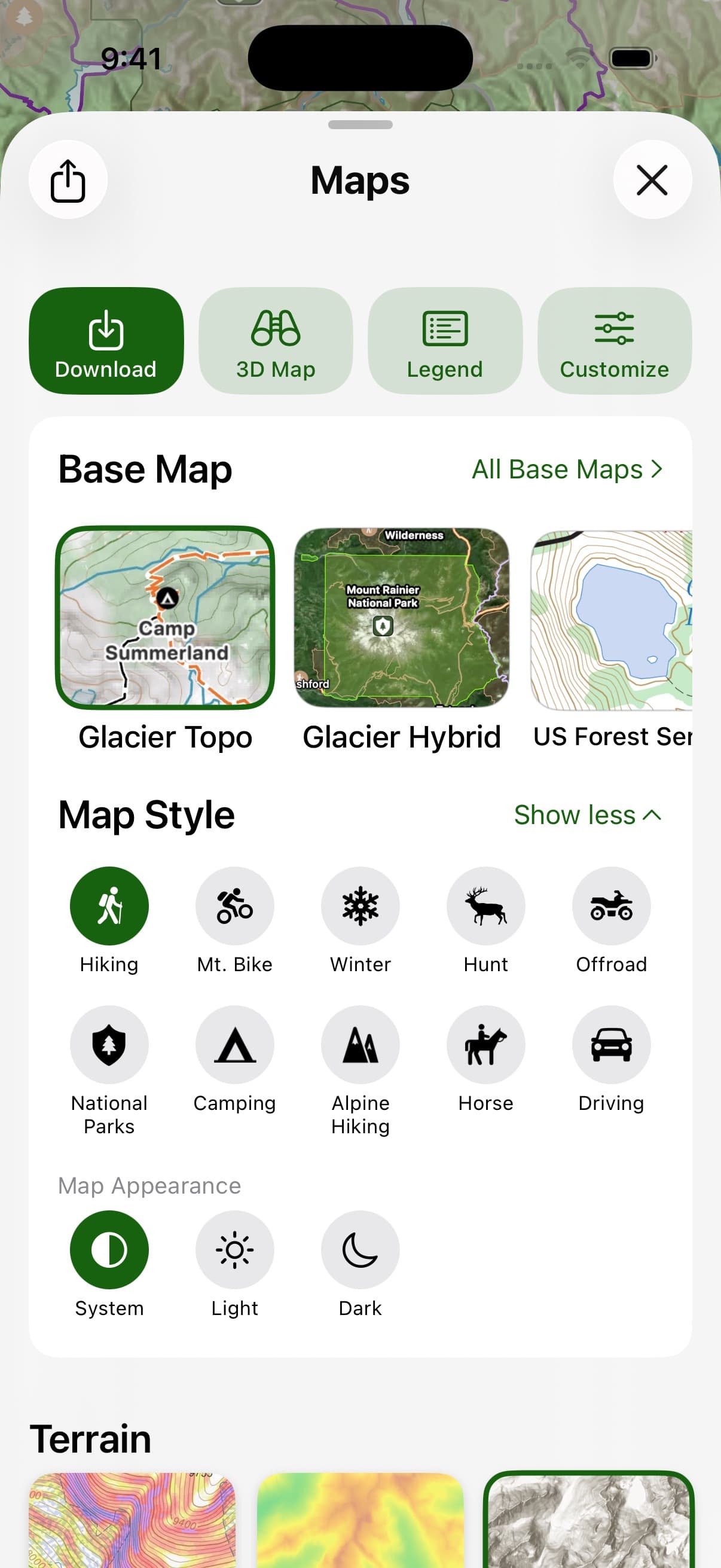
v10 ships ten activity-tuned map styles. Pick the activity and the map sets itself up for the job — base map, overlays, icons, and POI filters tuned for it.
Stack any of the seven overlays on top — Slope Angle, Hill Shading, Elevation Heat Map, Coordinate Grid, US Public Land, US Private Land, Distance Rings. Full details on the Maps page.
Vector print
Paper backups that stay crisp at any zoom.
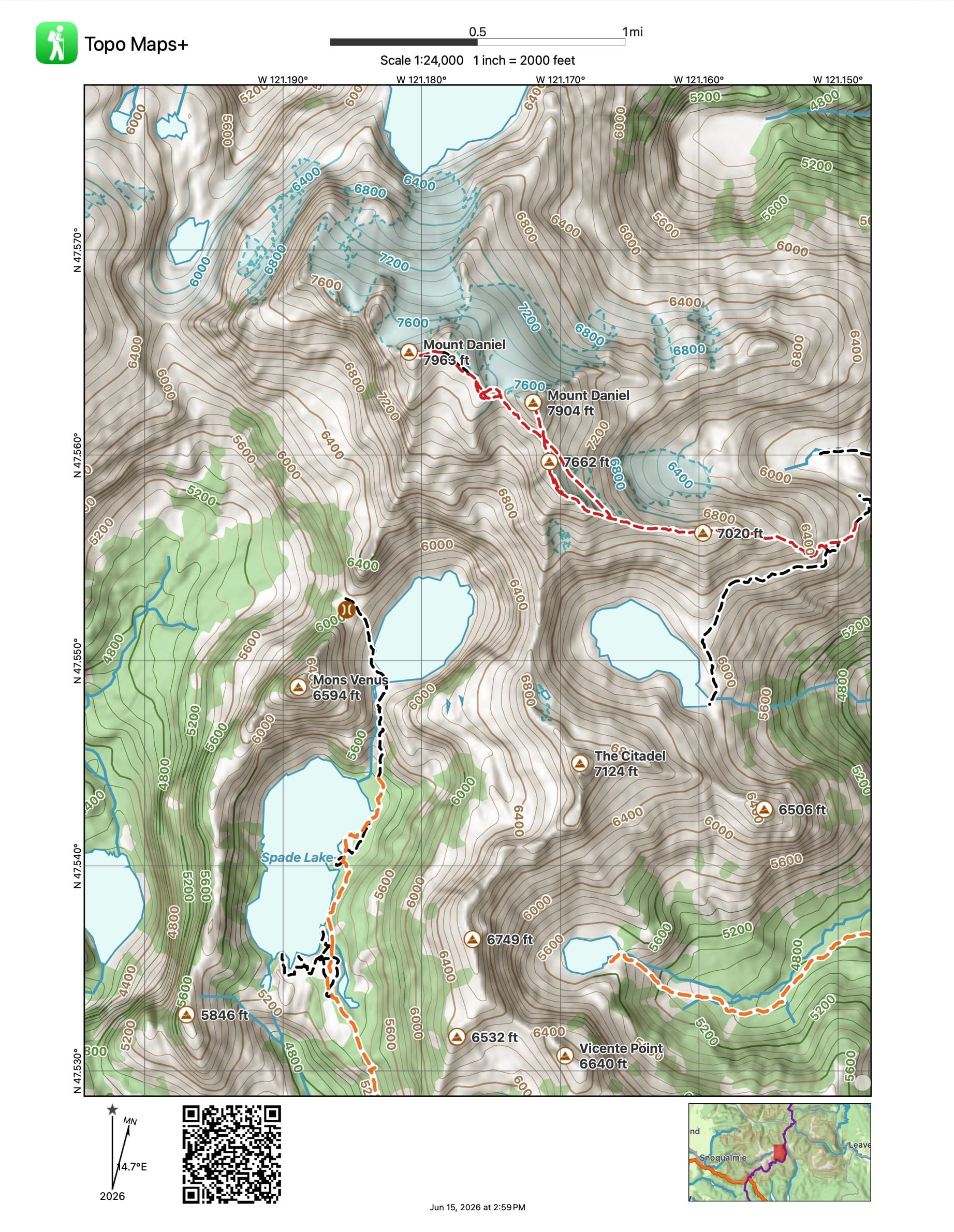
Vector printing means a paper map you print from v10 stays sharp at whatever scale you pick — no pixelation when you zoom in on a print preview, no blurry contours at a higher zoom. Print straight from your phone while you’re packing your pack, or from the Mac. Magnetic declination, coordinate grid, and scale are baked in.
Also in v10
Plus a redesigned map selection — and more.
Beyond Glacier Topo, the activity styles, and vector print, v10 includes a redesigned map selection that makes it faster to find the right map and overlay for what you’re doing. (We’ll have deeper writeups on these in the coming weeks — keep an eye on the Guides page.)
Available now
Update, and get out there.
Glacier Topo, Glacier Hybrid, and vector print are part of Pro and Elite. Activity styles are available across tiers where the underlying maps and overlays are.
New here?
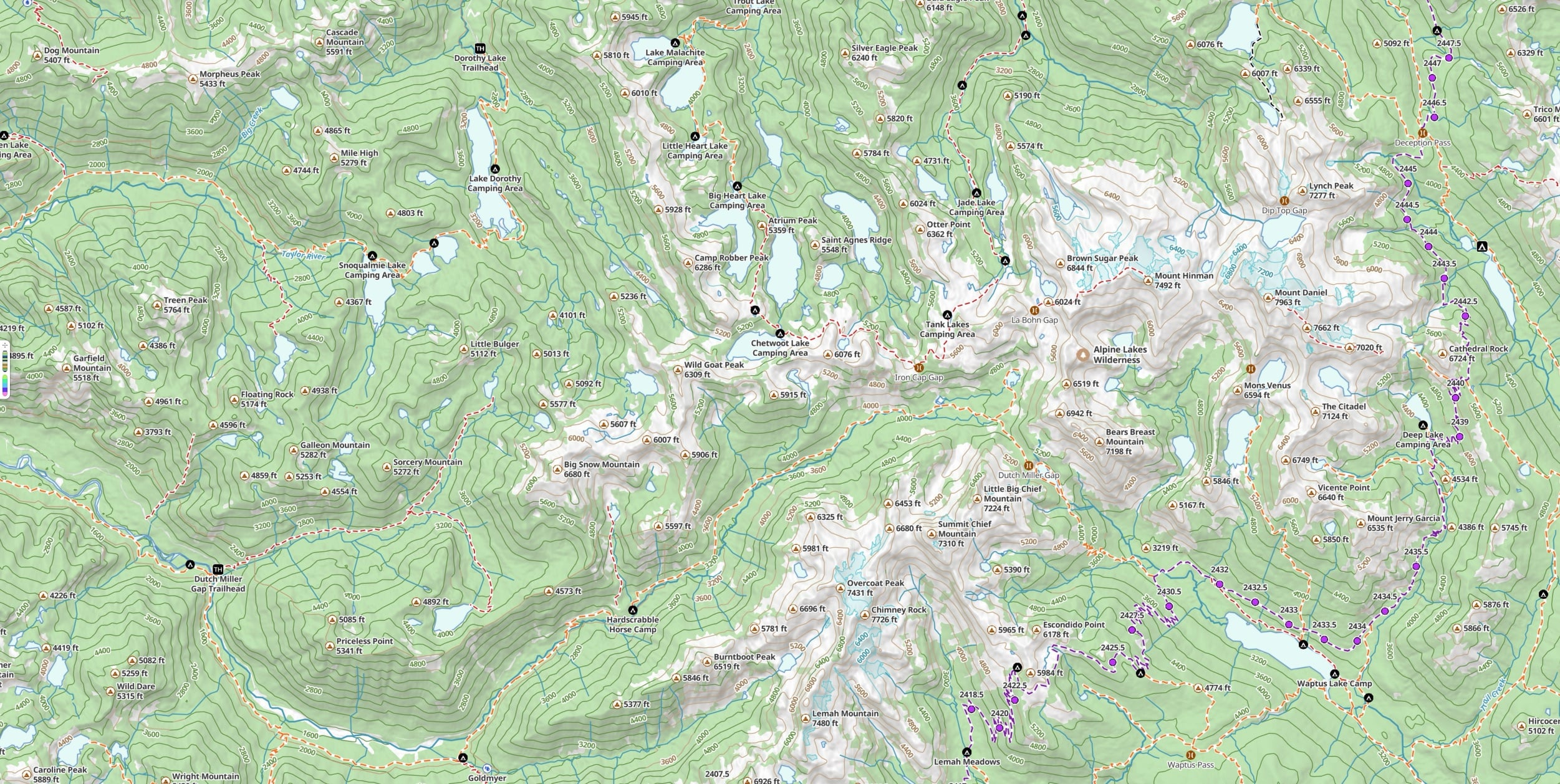
Try Glacier Topo and the rest for seven days, free.
Free to try in your browser. The 7-day trial unlocks every map and overlay in v10.